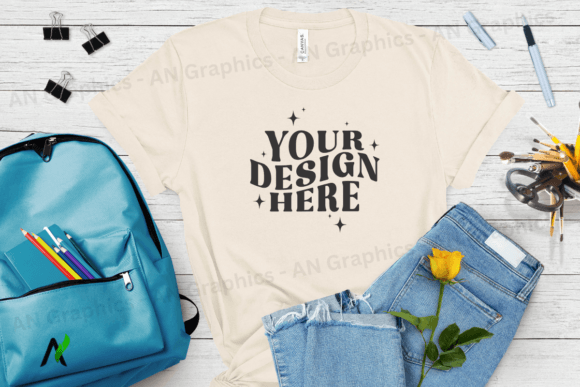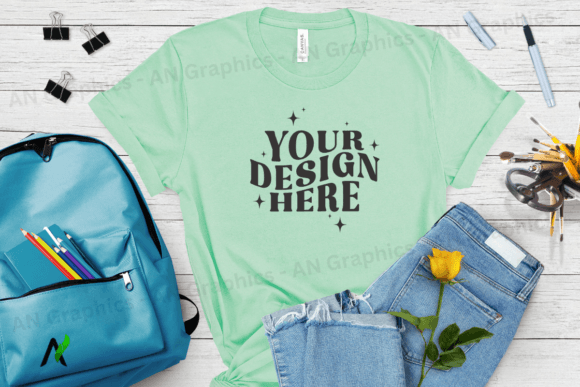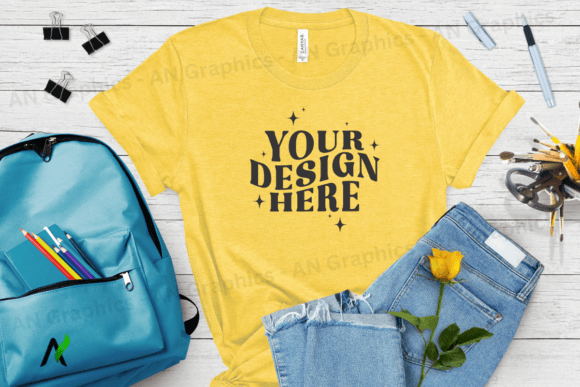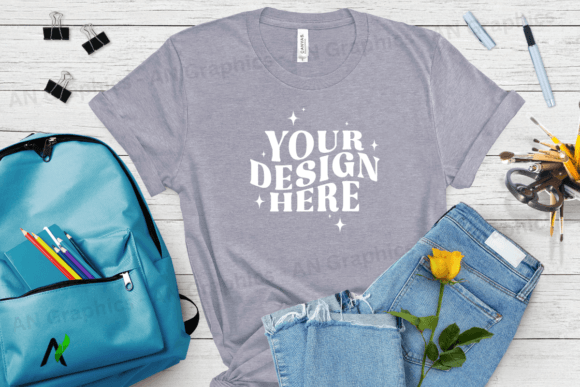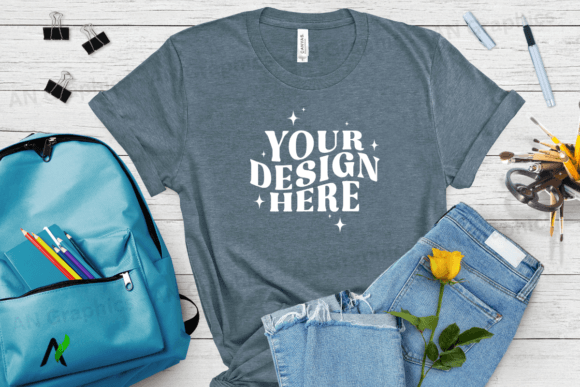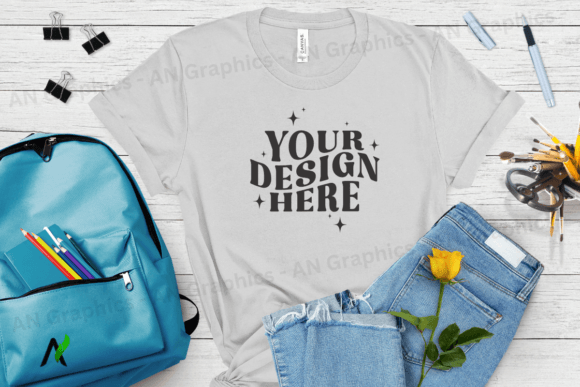
Back to School Bella Canvas Mockup - 005
Designing t-shirts has never been easier with the Back to School Bella Canvas Mockup - 005. This high-resolution JPEG mockup is designed to help creators, marketers, and small business owners showcase their designs with professional quality. Whether you're creating custom apparel for a school event, a branding campaign, or a personal project, this mockup provides an easy-to-use platform for visualizing your ideas.
A Powerful Tool for Designers and Entrepreneurs
The Back to School Bella Canvas Mockup - 005 is more than just an image—it’s a versatile tool that allows users to layer their designs directly onto a realistic t-shirt model. With a resolution of 3750 x 3000 pixels at 300 dpi, it ensures clarity and sharpness even when printed or shared online. The absence of watermarks or logos means you can focus entirely on your creative vision without distractions.
This mockup is ideal for those who want to experiment with different design elements, from bold typography to intricate graphics. It supports any photo editing software, making it accessible to both beginners and experienced designers. No need for complex tools like Photoshop—just open the file in Canva or another editor and start placing your design on top.
How to Use the Back to School Bella Canvas Mockup - 005
Using the Back to School Bella Canvas Mockup - 005 is straightforward. Simply download the file and import it into your preferred design platform. From there, you can add text, images, or patterns directly onto the t-shirt model. The flat layout makes it easy to see how your design will look in real life, helping you make informed decisions before finalizing your product.
One of the key benefits of this mockup is its adaptability. You can use it for a variety of purposes, including:
- Creating custom t-shirts for back-to-school events
- Designing promotional gear for educational institutions
- Producing branded apparel for businesses
- Developing unique designs for online marketplaces
- Testing color combinations and layouts
By using the Back to School Bella Canvas Mockup - 005, you can ensure your designs are not only visually appealing but also practical for real-world use.
Creative Possibilities with the Back to School Bella Canvas Mockup - 005
The possibilities are endless when it comes to what you can create with the Back to School Bella Canvas Mockup - 005. Here are a few ideas to spark your creativity:
1. Educational Themes
For educators and schools, this mockup can be used to create t-shirts featuring motivational quotes, student achievements, or classroom themes. These designs can serve as keepsakes or promotional items during back-to-school events.
2. Branding and Marketing
Entrepreneurs and small business owners can leverage this mockup to develop branded t-shirts for their products or services. Whether it's a logo, tagline, or unique graphic, the Back to School Bella Canvas Mockup - 005 helps bring your brand to life in a visually compelling way.
3. Personalized Designs
Hobbyists and individuals looking for a creative outlet can use this mockup to design personalized t-shirts. From family mottos to favorite quotes, the versatility of this tool makes it perfect for expressing individuality.
Adapting the Back to School Bella Canvas Mockup - 005 for Different Audiences
Understanding your audience is crucial when designing t-shirts. The Back to School Bella Canvas Mockup - 005 can be tailored to suit various groups, including:
- Students: Designs that reflect school spirit, academic achievements, or fun campus themes.
- Parents: T-shirts featuring motivational messages or parent-teacher collaboration themes.
- Teachers: Apparel that highlights dedication, teaching philosophy, or classroom culture.
- Small Business Owners: Custom designs that align with brand identity and customer values.
By adapting your designs to meet the needs and interests of your target audience, you can create more meaningful and impactful products.
Practical Tips for Using the Back to School Bella Canvas Mockup - 005
To get the most out of the Back to School Bella Canvas Mockup - 005, consider these tips:
- Start with a clear concept: Define the purpose and message of your design before beginning the layout process.
- Use high-quality assets: Ensure all images, fonts, and graphics are crisp and professional.
- Test different layouts: Experiment with placement and balance to find the most effective composition.
- Review for consistency: Make sure your design aligns with your brand or theme throughout.
- Save multiple versions: Keep track of different iterations to compare and refine your work.
These steps will help you create designs that are not only visually appealing but also functional and consistent.